
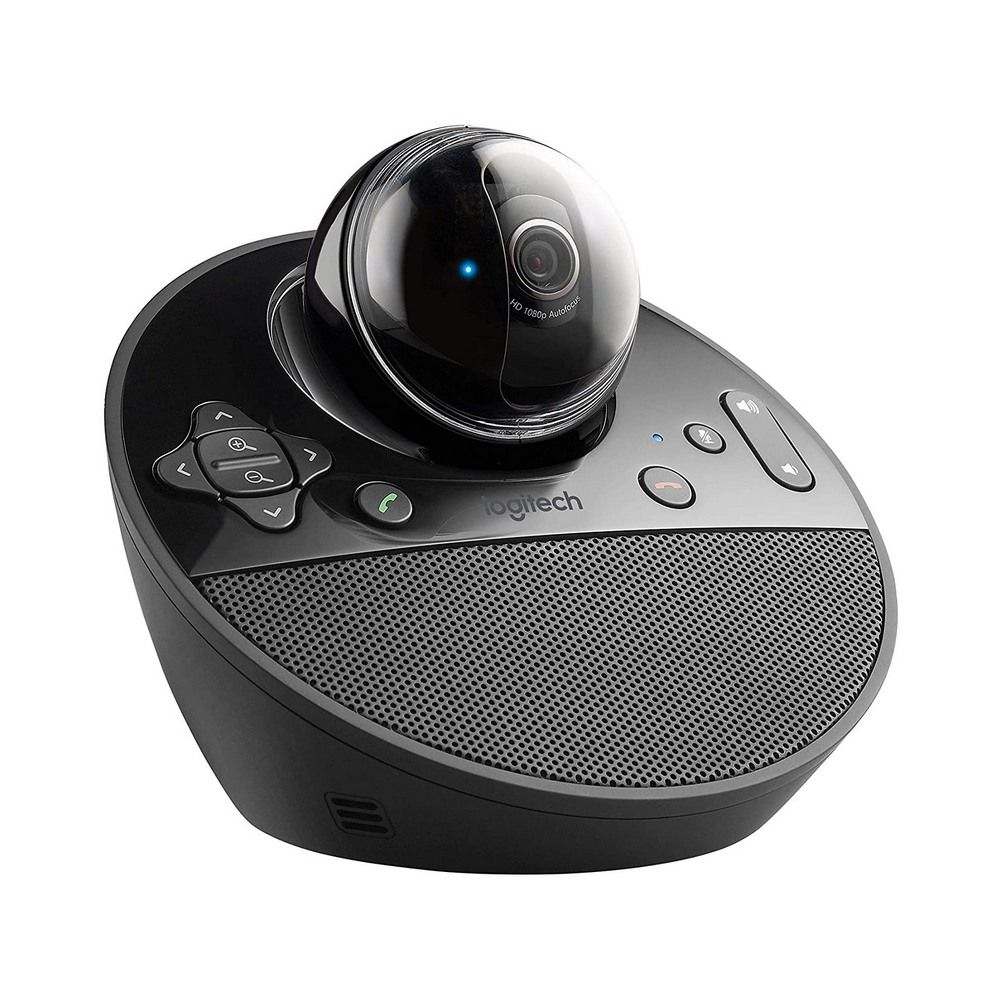
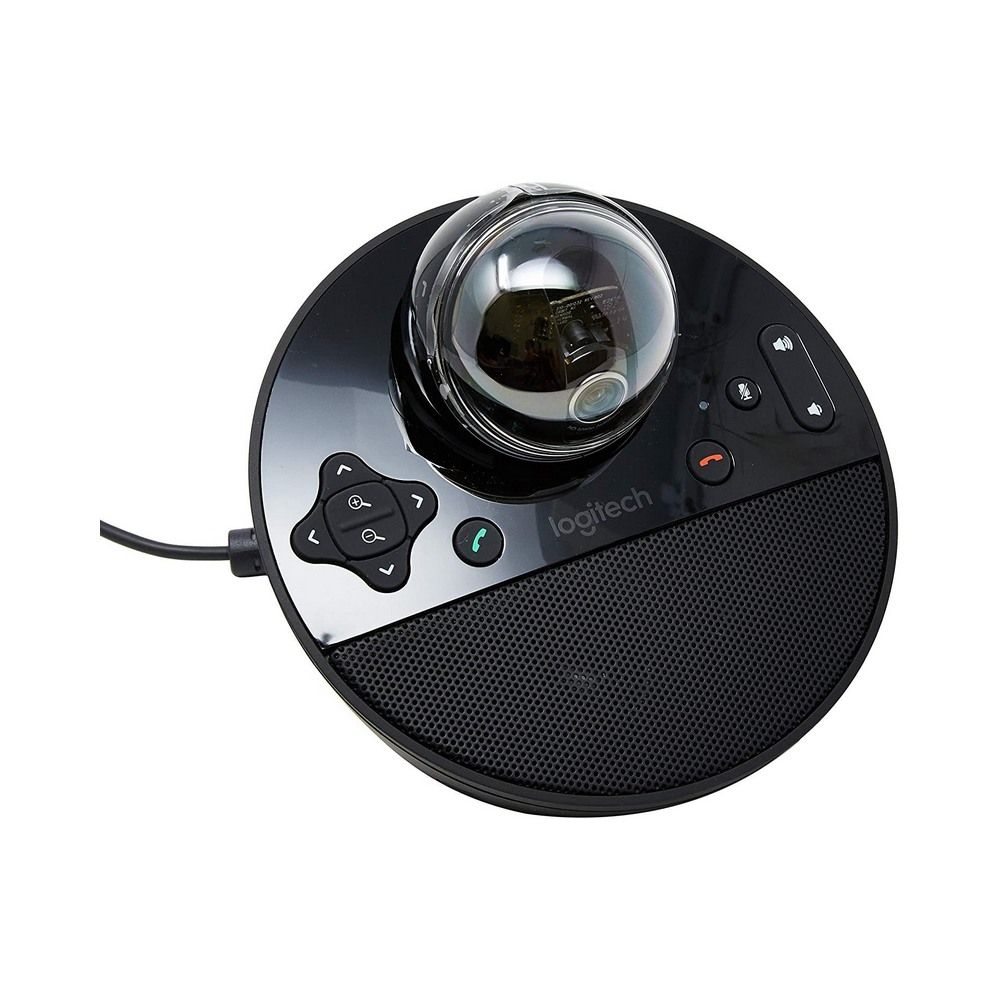
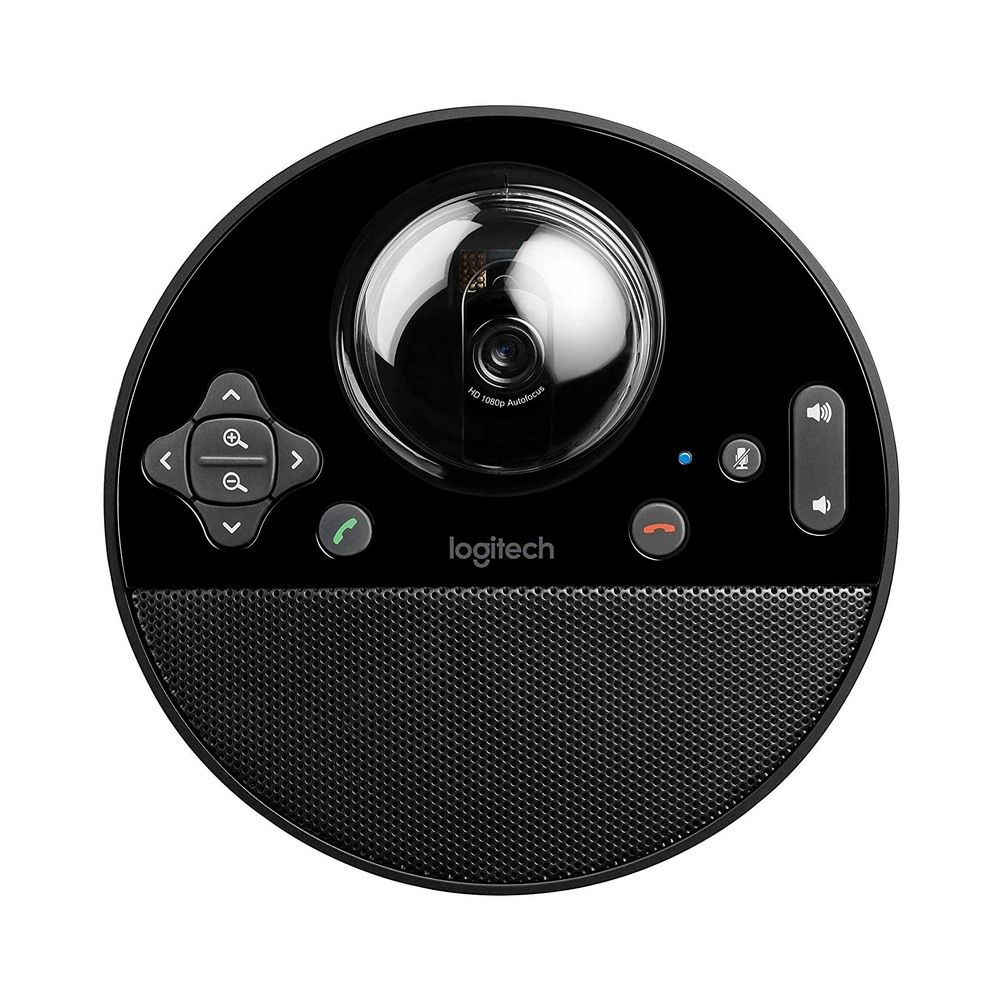
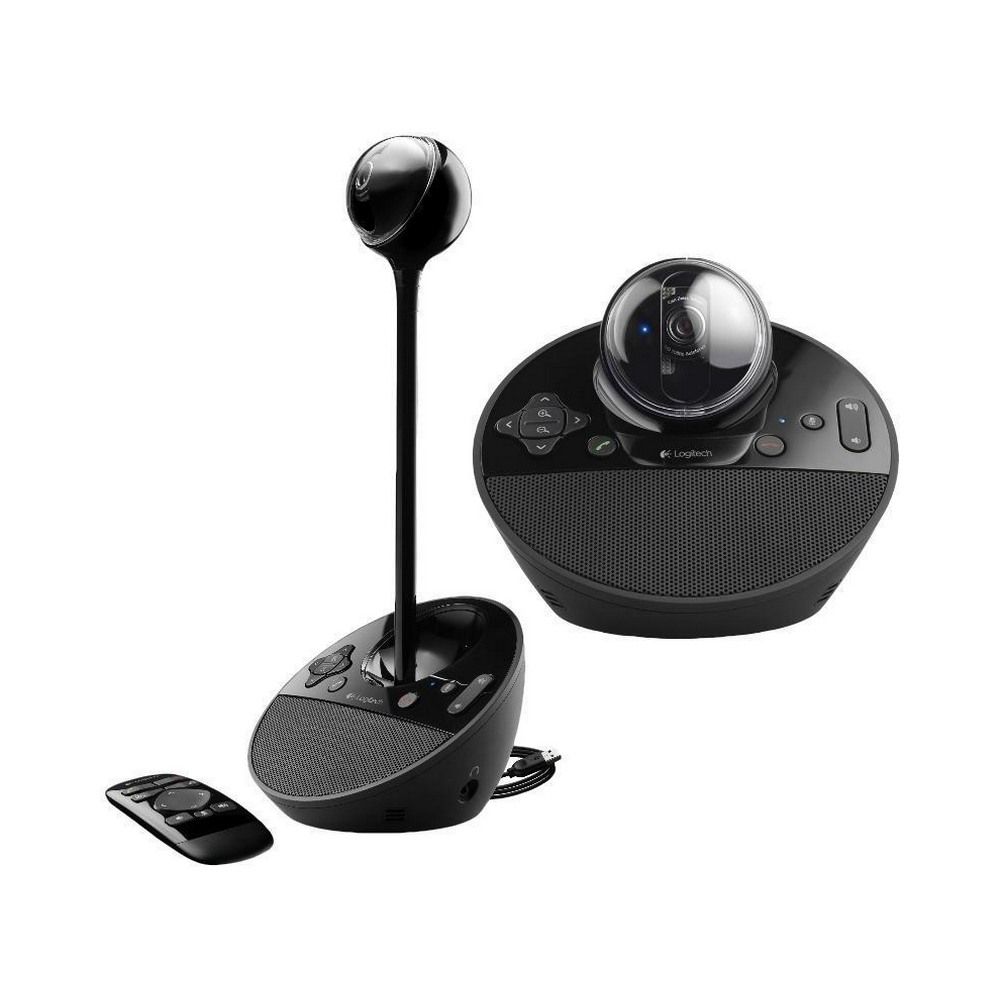
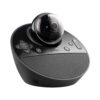
Logitech BCC950 ConferenceCam (Webcam + Speakerphone)
The Logitech BCC950 is a desktop video conferencing webcam made for small teams and quick meeting setups. It combines an HD camera and a built-in speakerphone, so you don’t need separate audio gear for everyday calls. If you run meetings for 1–4 people, do client check-ins, or need a tidy setup for a small room, this is a practical all-in-one choice.
What you get (real-world benefits)
Clear picture for meetings: HD 1080p helps faces and whiteboards look sharper than basic webcams.
Better audio at the table: a full-duplex speakerphone helps both sides talk naturally without constant “you go first”.
Simple setup: plug in by USB and start meetings without a complicated install.
Key specs, made simple
Video: Full HD 1080p
Field of view: 78°
Audio: full-duplex speakerphone + noise-cancelling microphone
Control: motorised pan/tilt/zoom with remote control support
Low-light help: RightLight 2
Connection: USB plug-and-play
Made for small rooms and small teams
BCC950 is best when everyone sits fairly close to the camera, like a small meeting table or a shared desk. The built-in speakerphone keeps the setup clean, so you don’t end up with extra mics and cables around laptops. It’s also useful for hybrid meetings, where a few people are in the room, and others join online.
Camera control that helps meetings feel smoother
Because the camera is motorised, you can adjust the view during a call, handy if one person is presenting, then the group needs to be in frame again. This can save time compared to constantly picking up and moving a normal webcam.
Setup and compatibility notes
BCC950 connects to your computer over USB. For best results, use it with meeting apps that can select a USB camera and speakerphone in their settings. If your laptop has multiple audio devices connected, set BCC950 as both the microphone and speaker inside the app to avoid echo or using the wrong mic.
What to check before you buy
1) Room size and seating
This model is commonly positioned for small teams (1–4 people). If you need coverage for a bigger room, you may want a wider-angle conference camera or an expansion mic solution.
2) Camera angle vs your table distance
A 78° field of view is great for tighter spaces, but it’s not an ultra-wide lens. If your meeting table is wide, measure how far the camera will sit from the group.
3) Audio pickup needs
The noise-cancelling mic is designed for close-range meetings. If your room is noisy (AC fans, open office), better placement and app audio settings will matter.
4) Control style
If you like to adjust framing during calls, motorised pan/tilt/zoom and remote control support can be a big quality-of-life upgrade over a fixed webcam.
Trust and ordering
Kraod. COD nationwide. Returns 7 days. Same-day Lahore only; nationwide delivery usually 3–4 working days. Warranty: official warranty where available + store warranty support. Prices may vary by stock/variants.
Ready for a cleaner meeting setup? Choose the Logitech BCC950 and get your small-room calls sounding and looking more professional.







Reviews
There are no reviews yet.