
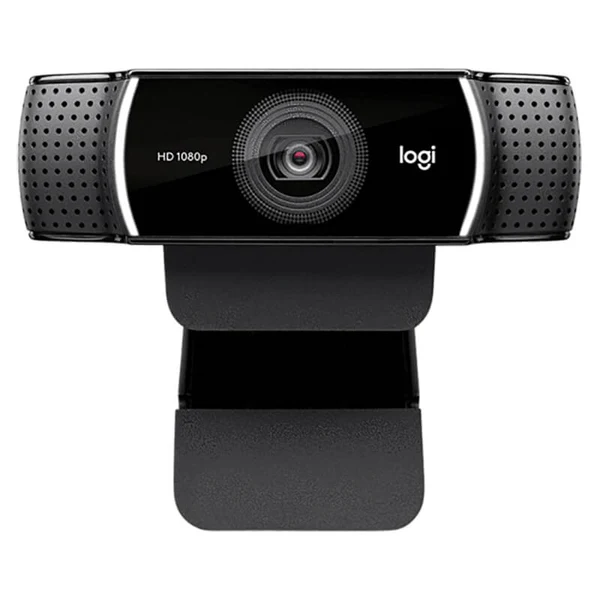

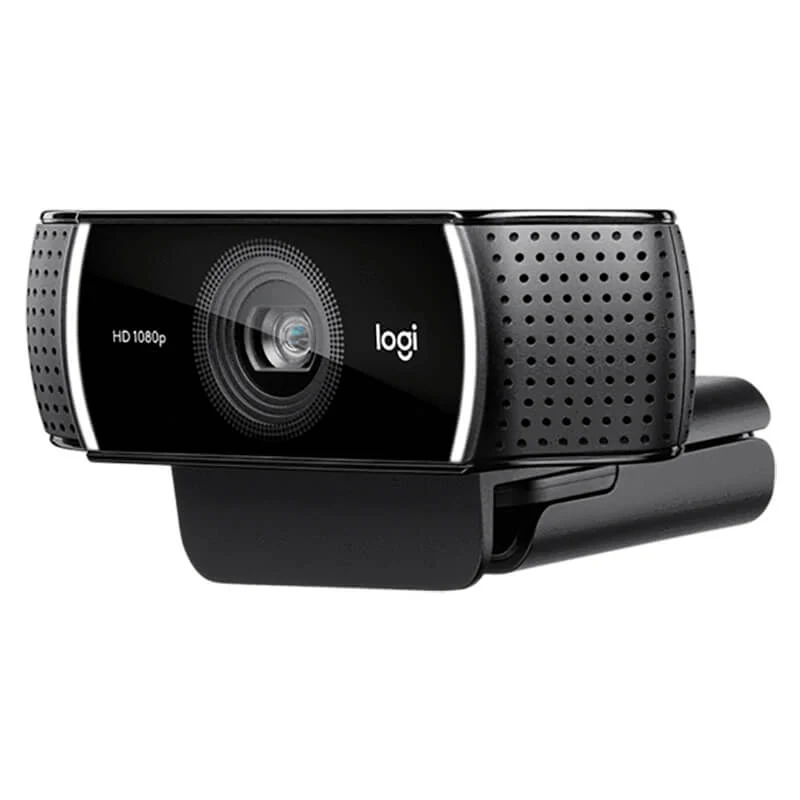
Logitech C922 Pro Stream HD Webcam 1080p
The Logitech C922 Pro Stream is made for people who need a clean, confident camera feed, whether that’s online classes, client calls, or live streaming. You get Full HD video, fast HD frame rates, and simple USB plug-and-play so that you can look professional without a complicated setup.
Why do people choose it?
Look sharper on calls: Full HD video helps faces and text look clearer.
Smoother motion on stream: 720p at 60fps feels more fluid for gaming and fast movement.
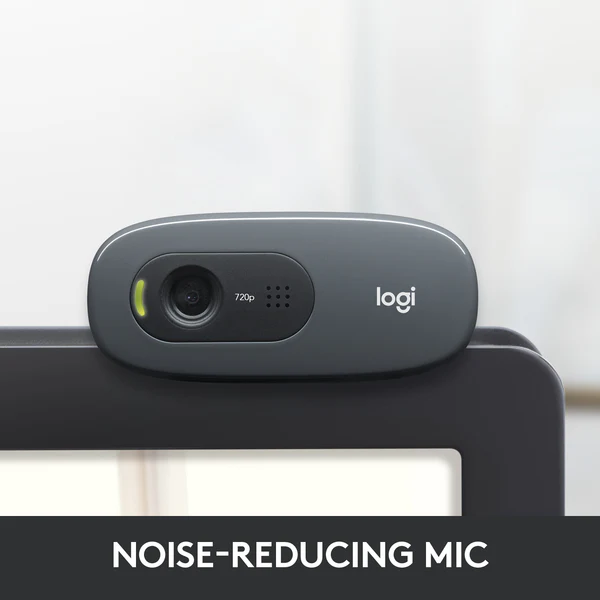
Better sound without extra gear: dual stereo microphones capture your voice more naturally.
Key specs, made simple
Video quality: 1080p Full HD up to 30fps / 720p HD up to 60fps
Lens + view: Full HD glass lens with 78° diagonal field of view
Focus: autofocus for clearer framing
Light handling: automatic low-light correction
Audio: dual stereo omnidirectional microphones
Connection: USB 2.0 (bus powered)
Made for streaming, built for everyday use
If you stream on Twitch or YouTube, the C922 is a popular pick because it balances clarity and smoothness. Use 1080p/30fps when you want the sharpest picture. Switch to 720p/60fps when you want a more fluid look for gaming or fast hand movement. For office work or online teaching, the same strengths help you look steady and well-lit.
Clean framing for small setups
The 78° field of view is a practical sweet spot. It can fit you and a bit of your background without making you look tiny. It’s also handy for showing a small whiteboard, notebook, or product on your desk.
Audio that’s ready out of the box
Dual stereo microphones can help reduce the “thin laptop mic” feel, especially if you sit close to the screen. For best results, keep the webcam roughly an arm’s length away and avoid loud fans or speakers directly behind it.
Background control and creator tools
Many listings highlight background replacement (Personify-powered) for a cleaner look in your room. It’s useful when you want to focus on you, not on the background. The webcam is also commonly paired with streaming tools such as OBS, XSplit, and platform workflows for Twitch/YouTube.
Fit and compatibility
This webcam is commonly listed as compatible with Windows 7/8/10+, macOS 10.10+, and also works with Chrome OS and Android 5+ on supported devices. It connects via USB, so it’s an easy match for most laptops and desktops.
What to check before you buy
1) Your main use (calls vs streaming)
For meetings and classes, 1080p is a safe choice. For gaming or fast motion, 720p 60fps can look smoother.
2) Your lighting
Low-light correction helps, but a small desk light or facing a window still makes a big difference. If your room is very dark, consider adding a simple ring light.
3) Mounting style
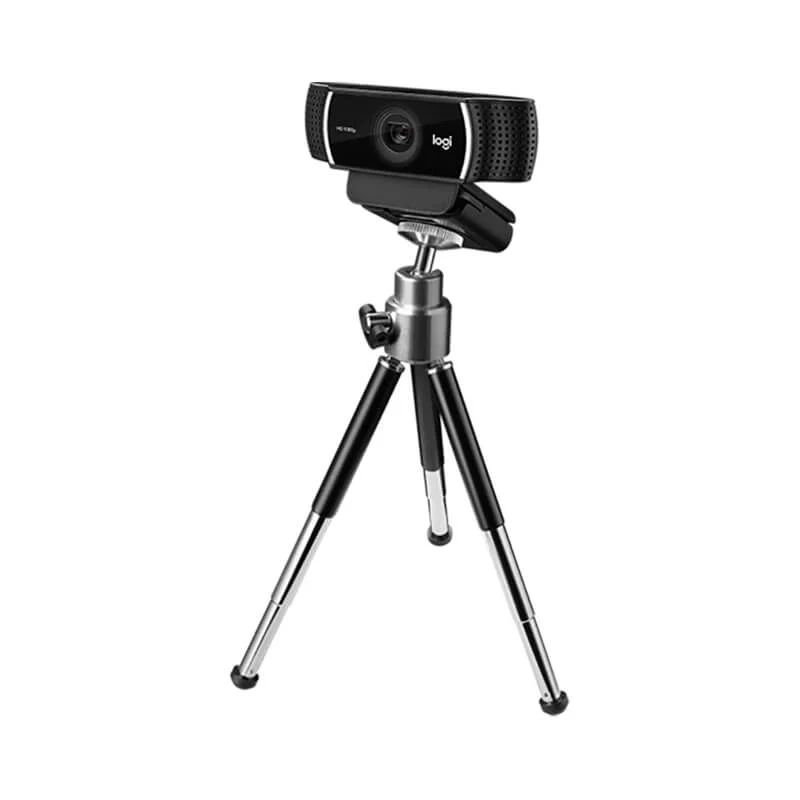
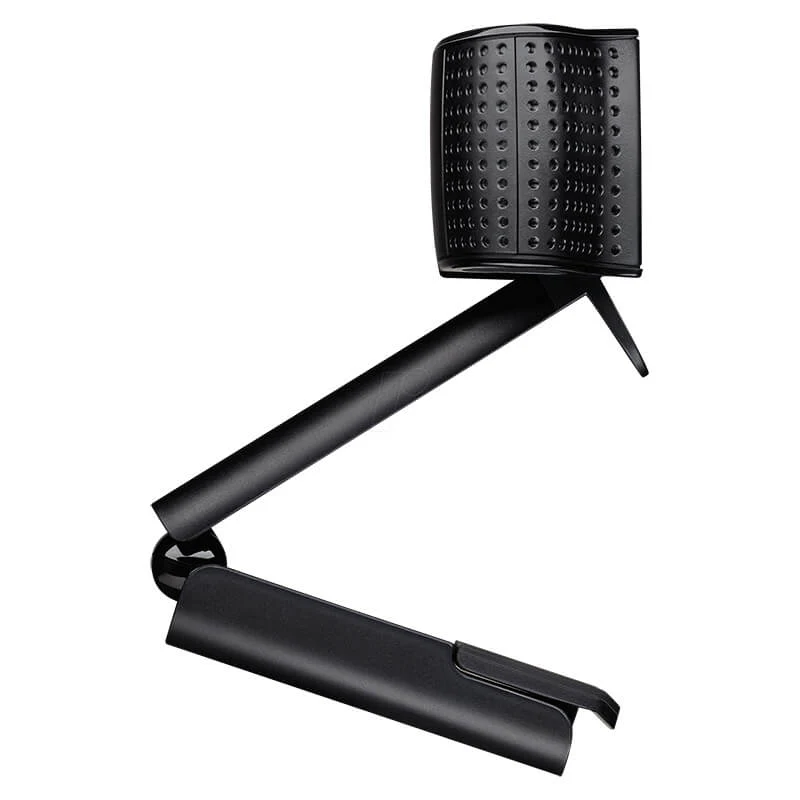
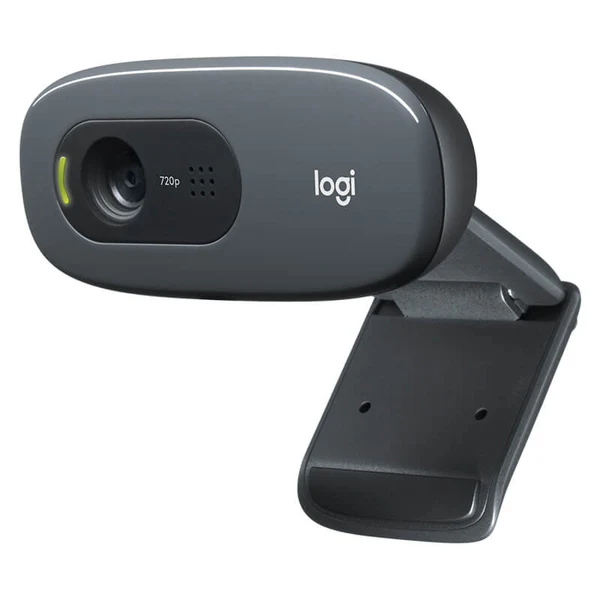
The C922 is commonly listed with a clip mount for monitors/laptops and an adjustable tripod mount. If you plan to place it on a desk, check your screen thickness and your preferred angle.
4) USB ports and cable reach
It uses USB 2.0 and typically comes with a cable (often listed as 1.5m). Make sure your PC placement suits your setup, especially if you’re using a desktop tower under the desk.
Trust and buying info
Kraod. COD nationwide. Returns 7 days. Warranty: official warranty where available + store warranty support. Nationwide delivery usually takes 3–4 working days (same-day Lahore only). Prices may vary by stock/variants.
Upgrade your calls or your stream with the Logitech C922 Pro Stream and get a cleaner, smoother on-screen look.






Reviews
There are no reviews yet.