
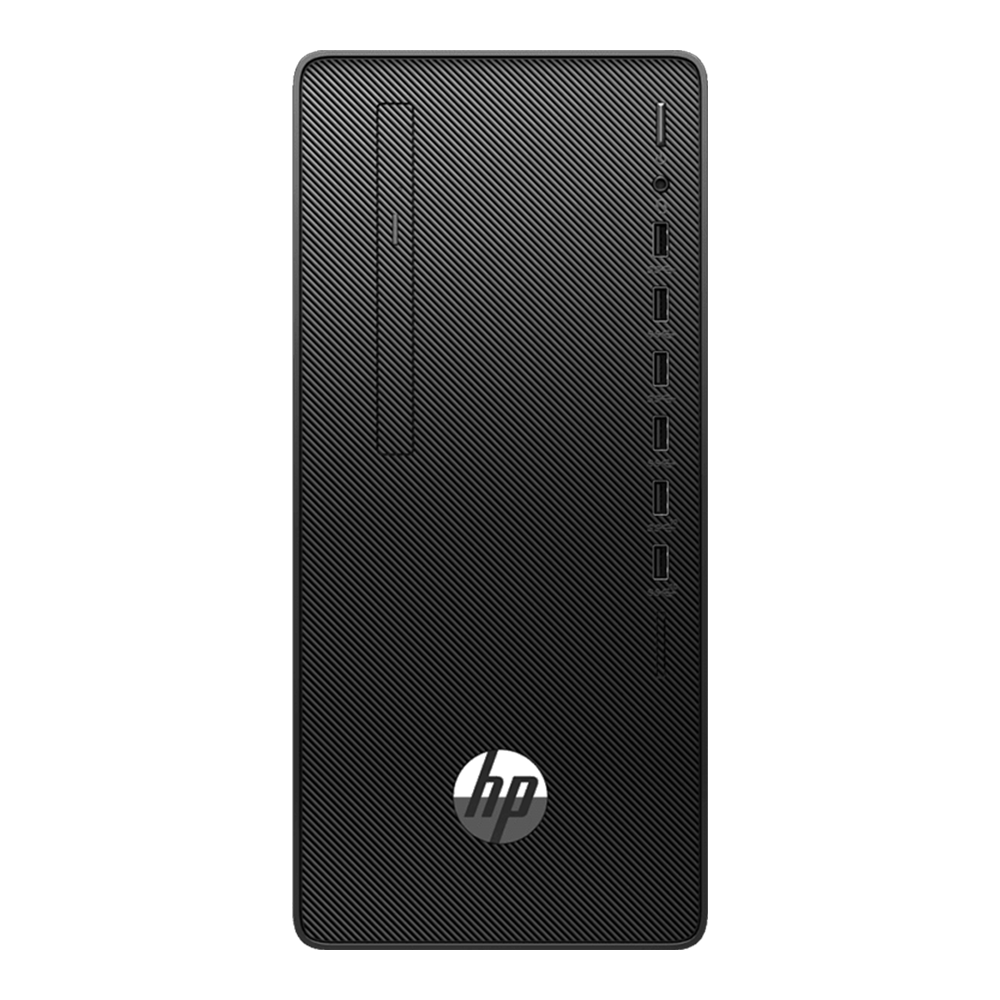
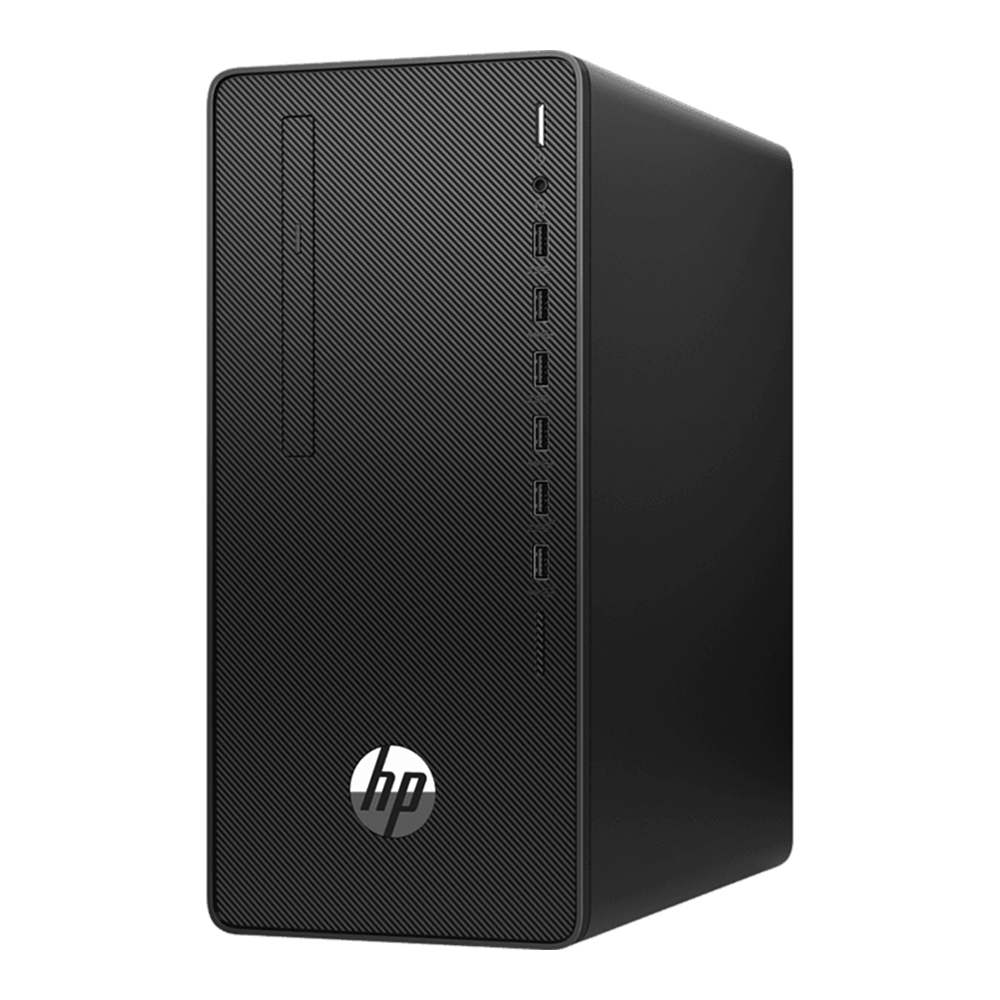
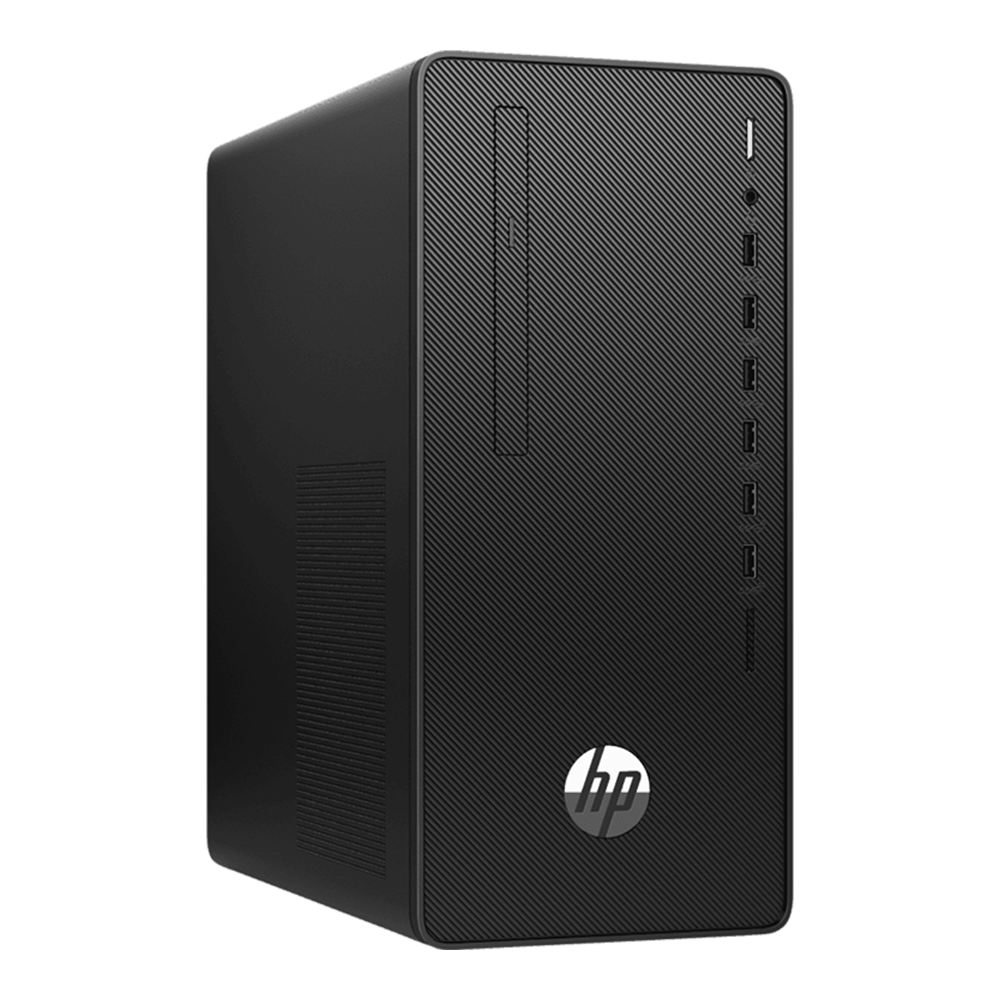
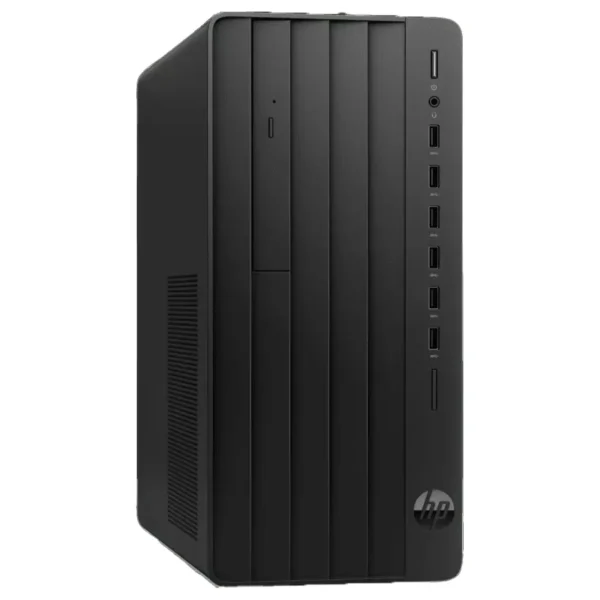
The HP 280 Pro G8 Microtower is a business-style desktop PC built for reliable daily work. It suits offices that run emails, browsers, accounting, and POS apps, plus students who want a stable desktop for assignments. The key draw is the Intel Core i7-11700 platform in a microtower case that’s easier to place under a desk. COD available.
Why you’ll like it
Faster day-to-day work when you have many browser tabs and Office apps open
A traditional tower design that’s easier to service and expand than tiny PCs
Better for fixed desk setups with full-size keyboard and mouse use
Works well for admin tasks, billing, online classes, and general multitasking
Wired network support for a more stable internet than Wi-Fi in busy offices
Clear upgrade path for storage if you want quicker boot later (SKU dependent)
Keeps your setup simple with common display outputs (check your monitor ports)
Key details
This model family is sold with different configurations, so the safest approach is to lock the CPU, RAM, storage type, OS, and optical drive before you order. Use the table below as your quick checklist for the i7-11700, 8GB, 1TB HDD class of builds.
Key features
| Spec | Value |
|---|---|
| Model naming on listings | HP 280 G8 / HP 280 Pro G8 (Microtower/MT) |
| Form factor | Microtower / Micro Tower |
| Processor | Intel Core i7-11700 (11th Gen) |
| Base/turbo clock (listed) | 2.5GHz base / up to 4.9GHz turbo |
| CPU cores/cache (listed) | 8 cores / 16MB cache |
| Memory | 8GB DDR4 |
| Storage | 1TB HDD |
| Integrated graphics (listed) | Intel UHD Graphics 750 |
| Operating system (varies) | Windows 11 / Windows 11 Pro or DOS/FreeDOS (SKU dependent) |
| Optical drive (varies) | DVD Writer / DVD±RW or DVD-ROM (SKU dependent) |
| Keyboard + mouse (often listed) | Included on some bundles (HP USB) |
| Upgrade options (varies) | M.2 storage slot / PCIe slots (SKU dependent) |
Microtower means a classic tower case. It fits under most desks and is easier to upgrade than mini PCs.
Core i7-11700 (11th Gen) is the main “identity lock”. It’s the first thing to match on the box and invoice.
8GB DDR4 is a common starting point for office work. If you use heavy spreadsheets, ask about upgrade options.
1TB HDD gives lots of storage space, but it won’t feel as fast as an SSD for boot and app loading.
UHD Graphics 750 is built-in graphics. It’s meant for business displays and everyday apps, not gaming GPUs.
Windows vs DOS/FreeDOS is a frequent mismatch in this series. If it’s DOS/FreeDOS, you may need to install Windows yourself.
DVD drive wording matters. “DVD Writer/DVD±RW” can write discs; “DVD-ROM” usually reads only. Some SKUs may not include an optical drive.
Keyboards and mice are often shown in listings, but not always. If you already have peripherals, confirm whether they’re included.
Ports and display outputs can differ by SKU. Confirm you have the right output for your monitor (HDMI/VGA) before checkout.
If you plan to add an SSD later, check whether your exact unit has an M.2 slot and what type it supports.
Fit & compatibility
Before buying, match the exact model wording and core specs on the listing with what you need, because “HP 280 G8” and “HP 280 Pro G8” names are used across different builds.
Monitor connection: confirm your monitor input (HDMI or VGA) and verify the PC’s available display output(s) for your exact SKU.
Windows requirement: if you need Windows ready to use, confirm whether your unit includes Windows 11/Windows 11 Pro or ships with DOS/FreeDOS.
Optical drive needed: if you must burn discs, confirm “DVD Writer/DVD±RW” is included (not just DVD-ROM).
Storage expectations: a 1TB HDD is great for files. If you want a faster boot, plan for an SSD upgrade (confirm M.2 slot/bays on your SKU).
Networking: for office stability, plan to use a wired LAN when possible. If you need Wi-Fi, confirm if your specific unit includes it.
Compatibility note: This is a microtower desktop PC configuration, not a mini PC and not an all-in-one.
Also known as: HP 280 Pro G8 MT, HP 280 Pro G8 Micro Tower.
Use cases
Who it’s for
Office desks running billing, accounts, and admin software
Reception and front-desk setups that need dependable uptime
Students needing a stable desktop for coursework and research
Home office users who prefer a fixed desktop over a laptop
Small businesses wanting a serviceable tower that they can upgrade
Anyone who still needs an optical drive for legacy media (confirm DVD writer)
Who should skip
Buyers who want a fast SSD experience out of the box (unless your SKU includes one)
Users needing strong gaming or 3D performance from a dedicated GPU
People who require a guaranteed Windows pre-installed (unless confirmed on your SKU)
Those who need confirmed Wi-Fi/Bluetooth included (unless confirmed on your SKU)
Buying from Kraod
COD nationwide; Returns: 7 days; Same-day delivery: Lahore only; Nationwide delivery: usually 3–4 working days; “official warranty where available + store warranty support”; Prices may vary by stock/variants.
Ready to order?
Choose your exact OS and DVD option, then place your order with confidence.
FAQs
Does this HP 280 G8 come with Windows 11 or DOS?
It depends on the exact SKU. Some listings show Windows 11/Windows 11 Pro, others show DOS/FreeDOS. Confirm the OS line on your invoice before checkout.
Is the DVD writer included or optional on this variant?
Optical drives vary by SKU. Some are listed as DVD Writer/DVD±RW, others as DVD-ROM, and some may not include a drive. Confirm the exact drive type if you need disc writing.
Can I add an SSD later (M.2) while keeping the 1TB HDD?
Many microtower configurations support upgrades, but it’s SKU-dependent. Check whether your unit has an M.2 slot and available bays/ports before you plan the upgrade.






Reviews
There are no reviews yet.