



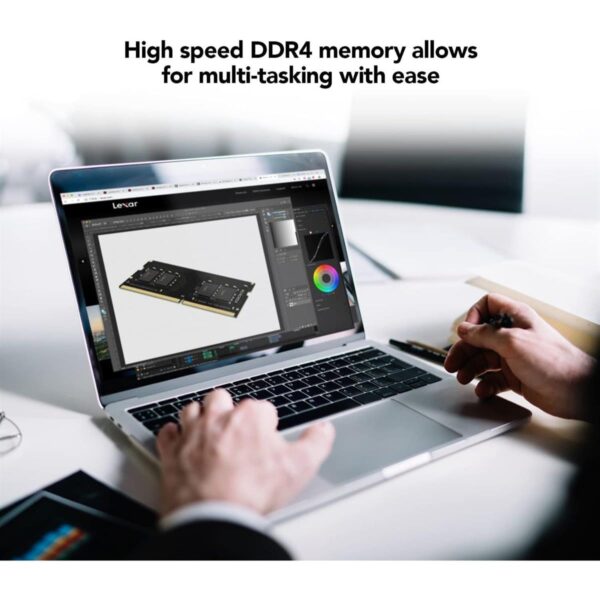
The Lexar DDR5 SO-DIMM 16GB 5600 (LD5S16G56C46ST-BGS) is a laptop memory upgrade made for people who want a quicker, smoother system without changing the whole machine. It’s a great fit for students, professionals, and everyday users who keep lots of tabs open, run heavier apps, or multitask on video calls and documents. If your laptop supports DDR5 SO-DIMM, this is a clean, no-fuss way to add breathing room to your system.
What you get in day-to-day use
Smoother multitasking: switch between apps with fewer slowdowns when memory gets tight.
Better responsiveness: faster-feeling launches and less lag during heavy browsing and office work.
A tidy upgrade path: one 16GB module that’s easy to match with many DDR5-capable laptops.
Key specs, made simple
Capacity: 16GB (single module)
Memory type: DDR5 SO-DIMM (laptop size), 262-pin
Speed rating: up to 5600 MT/s (often listed as 5600MHz in stores)
Latency (at 5600): CL46 timing set (commonly shown as CL46-45-45-90)
Voltage: 1.1V
Stability feature: On-die ECC (built into DDR5 design support)
Compatibility and fit
This module is built for DDR5 SO-DIMM slots used in many modern laptops, and it’s also commonly used in some small PCs like all-in-ones and Intel NUC-style systems (as long as they take DDR5 SO-DIMM).
Important: DDR5 is not the same as DDR4. If your laptop uses DDR4 SO-DIMM, this DDR5 module will not fit or work.
What to check before you buy
1) Confirm DDR5 SO-DIMM support
Check your laptop’s model page (or CPU/motherboard specs) to confirm it supports DDR5 SO-DIMM and the maximum supported speed.
2) Check how many slots you have
Some laptops have two slots, some have one, and some have memory partly or fully soldered. Knowing this helps you plan the best upgrade (single-stick vs dual-stick setup).
3) Match capacity to your workload
16GB total is a sweet spot for most people doing office work, study, web, and light creative tasks.
If you already have 16GB and you still hit slowdowns, you may be better stepping up to 32GB (depending on your laptop’s limits).
4) Speed depends on your system
The module is rated up to 5600 MT/s, but your laptop may run it at a lower speed if that’s what the CPU or motherboard supports. That’s normal.
5) Installation comfort
If you’re upgrading yourself, check if your laptop has an easy access panel or needs a full back cover removal. If you’re not comfortable, get a technician to install it safely.
FAQ
Will this work in a DDR4 laptop?
No. DDR5 SO-DIMM and DDR4 SO-DIMM are different standards and are not compatible.
Is 16GB enough for work and study?
For most students and professionals, yes. It’s a strong upgrade for smoother multitasking, video calls, and everyday productivity.
Trust & delivery: Kraod. COD nationwide. Returns 7 days. Same-day Lahore only. Nationwide delivery usually 3–4 working days. Warranty: “official warranty where available + store warranty support”. Prices may vary by stock/variants.
Add it to cart and upgrade your laptop the simple way.








Reviews
There are no reviews yet.