

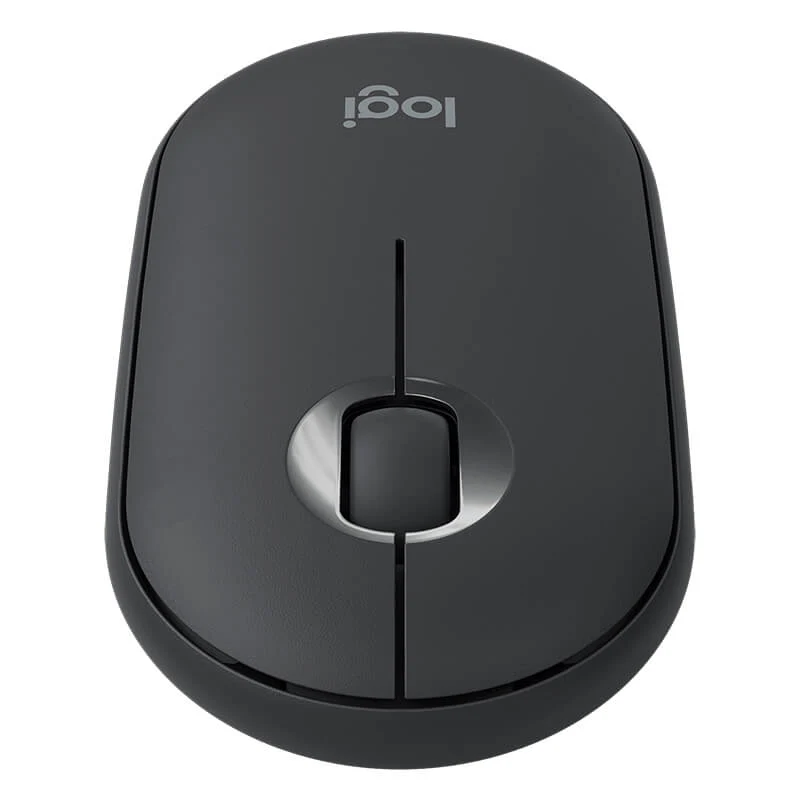
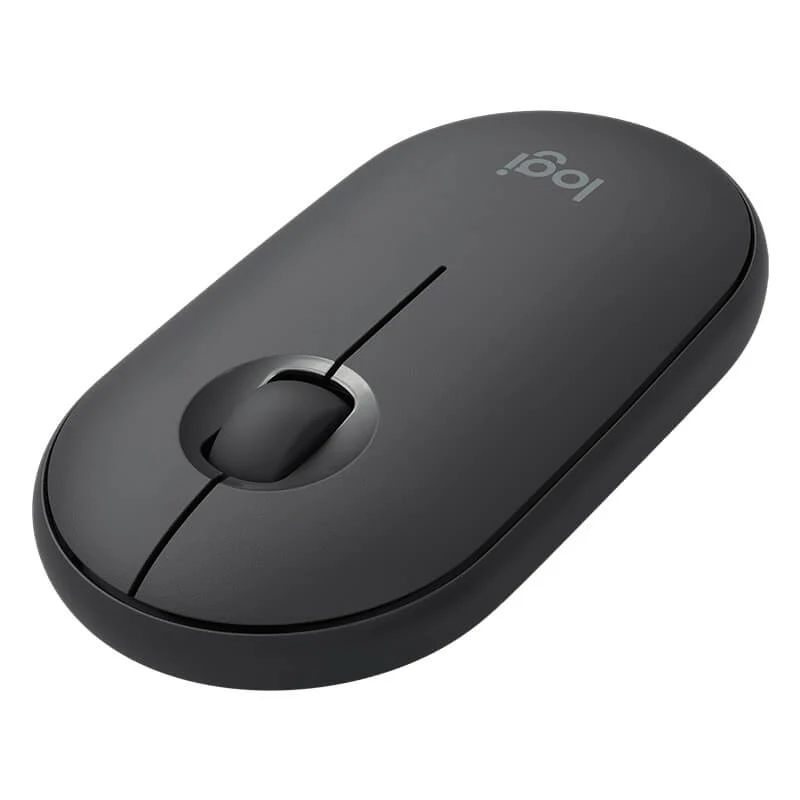


The Logitech M350 Pebble is a slim, quiet wireless mouse built for everyday work and travel. It keeps clicks low-noise and setup simple, with two ways to connect: Bluetooth or a USB nano receiver. COD available.
Why you’ll like it
Quieter in meetings and shared rooms: Silent clicks and quiet scrolling help you stay discreet.
Easy to pair, easy to carry: Slim shape and wireless freedom keep your bag and desk tidy.
Flexible connection for more devices: Choose Bluetooth Low Energy or plug in the USB nano receiver when needed.
Key details
Key specs, made simple
| Spec | Value |
|---|---|
| Brand / Model | Logitech Pebble M350 (M350) |
| Clicks & scrolling | Silent clicks / ultra-quiet scrolling |
| Connectivity | Bluetooth + USB nano receiver (2.4 GHz) |
| Wireless technology | Bluetooth Low Energy |
| Sensor | High-precision optical tracking |
| Sensor resolution | 1000 DPI |
| Buttons | 3 |
| Scroll wheel | Mechanical (middle button) |
| Battery life | Up to 18 months |
| Battery type | 1×AA (pre-installed) |
| Wireless range | Up to 10 m |
| Dimensions | 107 × 59 × 26.5 mm |
| Receiver storage | Nano receiver stored inside the mouse (magnetic cover wording appears on listings) |
| Colour variants (vary by stock) | Graphite / Off-white / Rose (Blue appears on some listings) |
| OS compatibility (commonly listed) | Windows, macOS, ChromeOS, iPadOS |
What it’s great for
If you work in an office, classroom, library, or at home with others around, the “silent” feel is the main win. It’s also a smart choice for laptop users who want a mouse that’s slim, light to carry, and quick to connect.
Dual connectivity, explained simply
You can connect the M350 in two ways:
Bluetooth: A clean setup with no dongle needed (great for laptops and tablets that support Bluetooth).
USB nano receiver: Plug in the receiver for a simple “just works” connection.
This flexibility helps when you move between devices or switch work locations.
Small details that matter day-to-day
1000 DPI with optical tracking: A steady, predictable feel for everyday browsing, documents, and spreadsheets.
3-button layout + scroll wheel click: Familiar controls that don’t need learning.
AA battery, pre-installed: Practical for buyers who want a ready-to-go mouse, with battery life commonly listed up to 18 months.
Fit & compatibility
Works with Bluetooth-enabled devices and computers with a USB port for the nano receiver. Commonly listed OS support includes Windows, macOS, ChromeOS and iPadOS.
Compatibility note: Some listings also mention Android support. If that matters for your setup, confirm your device supports Bluetooth mouse input before ordering.
Buying from Kraod
COD nationwide; Returns: 7 days; Warranty: “official warranty where available + store warranty support”; Same-day delivery: Lahore only; Nationwide delivery: usually 3–4 working days; Prices may vary by stock/variants.
Ready to order?
Choose the Logitech Pebble M350 if you want a quiet, slim wireless mouse with the option to use Bluetooth or a USB receiver, simple, tidy, and easy to live with.
FAQs
Does the M350 connect by Bluetooth and USB receiver?
Yes. It’s commonly listed with dual connectivity: Bluetooth plus a USB nano receiver.
How long does the battery last, and what battery does it use?
It’s commonly listed as up to 18 months of battery life and uses 1×AA (pre-installed).






Reviews
There are no reviews yet.