
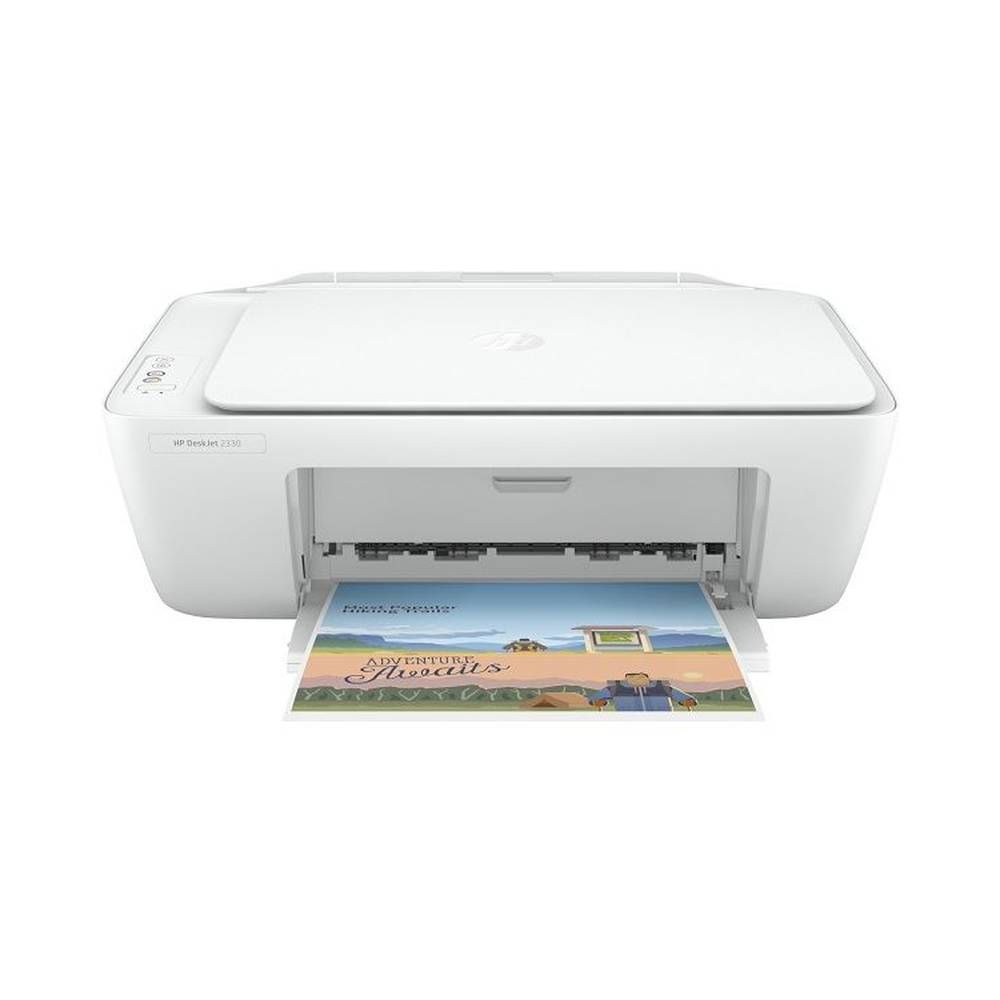
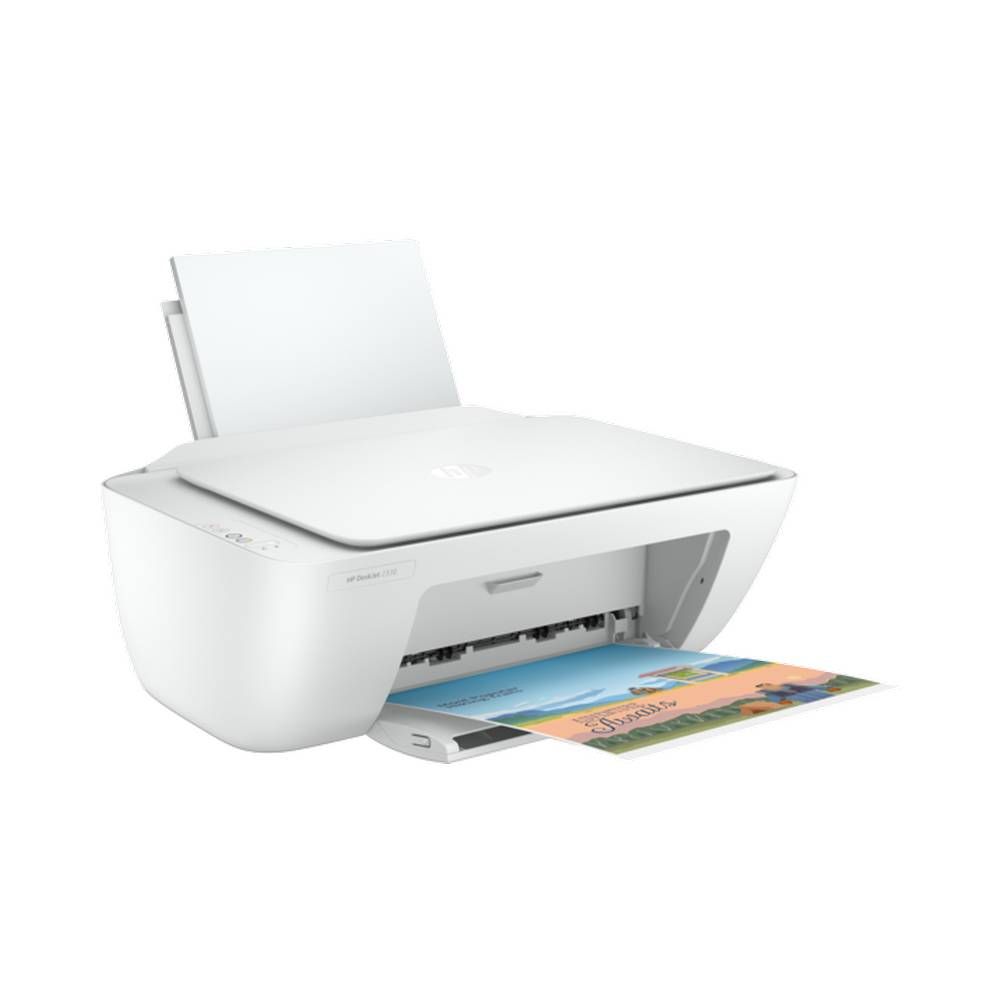
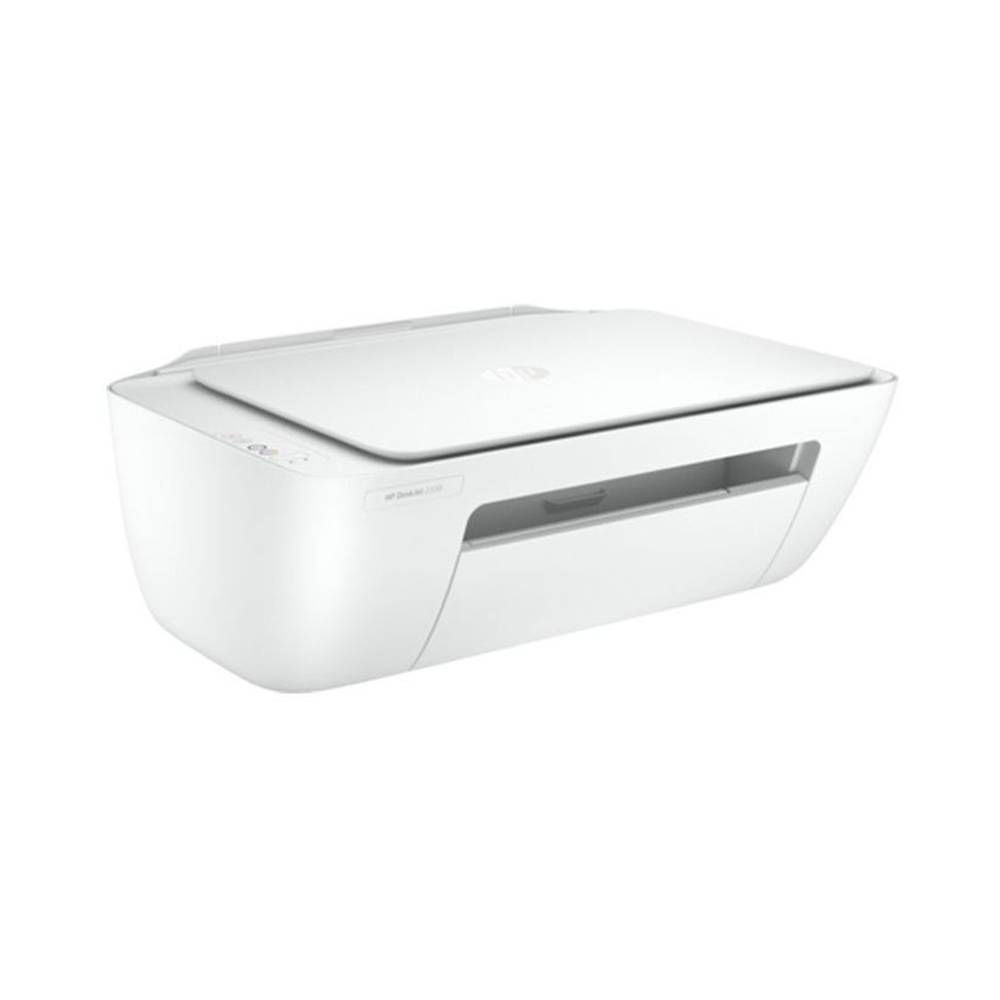
What is it and who is it for?
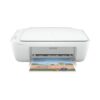
The HP DeskJet 2330 is an all-in-one inkjet printer for printing, scanning, and copying at home. It’s a good fit for students, families, and small home offices that want a straightforward USB connection instead of a wireless setup. Use it for school worksheets, forms, ID copies, and occasional photo paper prints. If you prefer a simple wired printer you plug into your computer, this model keeps things easy. COD available.
Why you’ll like it
Does three jobs in one: print, scan, and copy for daily tasks
USB-only setup keeps connections simple and stable
Colour output helps with charts, school projects, and basic graphics
A flatbed scanner makes it easy to scan documents and IDs neatly
Handles common paper sizes for home and school printing
Compact for small desks and shared spaces
Clear, practical specs for light monthly printing needs
Key details
This model is best when you want a wired all-in-one printer with basic paper handling and clear limits. Check your workspace, confirm you’re happy with USB-only printing, and match the paper sizes to what you use most.
Key features
| Spec | Value |
|---|---|
| Device category | All-in-One Multifunction |
| Printer technology | Inkjet |
| Output type | Colour |
| Functions | Print, Scan, Copy |
| Connectivity | USB 2.x |
| Wireless | No |
| Print quality (mono) | Up to 1200 x 1200 rendered dpi |
| Print quality (colour) | Up to 1200 x 1200 rendered dpi |
| Max print speed (mono) | 7 ppm |
| Max print speed (colour) | 5 ppm |
| Duty cycle (max monthly, A4) | 1000 pages |
| Scanner type | Flatbed |
“All-in-one” means it replaces a separate scanner and copier for everyday tasks.
Inkjet colour is useful for mixed documents, not just black text.
USB 2.x means you print through a cable connection to a computer.
“No wireless” is a key buying point. It won’t print over Wi-Fi.
Rendered dpi is a print quality spec that helps compare models on paper.
7 ppm (mono) and 5 ppm (colour) suit light home and student printing.
Duty cycle up to 1,000 pages/month is a ceiling, not a target for daily heavy use.
Flatbed scanning is practical for ID cards, forms, and book pages.
If you print often, keep spare ink in mind and avoid last-minute shortages.
For best results, match paper type to your task (plain, photo, or brochure paper).
Fit & compatibility
Choose this printer if you’re happy printing by USB cable and don’t need Wi-Fi. Before ordering, confirm you have a free USB port where the printer will sit, and space for paper feeding and output.
Connectivity: USB 2.x (wired printing)
Wireless capability: No (not a Wi-Fi printer)
Paper sizes supported: A4, A6, B5
Paper types supported: Plain paper, Photo paper, Brochure paper
Automatic duplex printing: No (you’ll flip pages manually for double-sided)
Scanner type: Flatbed
Scan resolution (optical): up to 600 dpi
Maximum scan size: 8.5 x 11.69 inches
Number of cartridges: 2 (black + tri-colour)
Compatibility note: This is a USB-only printer (no Wi-Fi). It is not a wireless printer. If you want phone-first printing without a cable, you should pick a Wi-Fi model instead.
Quick measuring tip: Leave extra room behind and in front for paper movement. Measure your desk depth, then allow space so paper doesn’t hit a wall or monitor stand.
Also known as: 7WN43A.
Use cases
Who it’s for
Students printing assignments and worksheets at home
Families printing forms, school notes, and household documents
Home users who want simple print/scan/copy in one device
Anyone who prefers a stable USB connection over wireless
Light home office tasks like invoices and basic record keeping
People who scan documents using a flatbed scanner
Users printing on A4, A6, or B5 paper sizes
Who should skip
Anyone who needs Wi-Fi or wireless printing
Heavy-volume users printing hundreds of pages every week
People who require automatic duplex printing
Offices that need shared network printing for multiple users
Buying from Kraod
Kraod; COD nationwide; Returns: 7 days; Same-day delivery: Lahore only; Nationwide delivery: usually 3–4 working days; “official warranty where available + store warranty support”; Prices may vary by stock/variants.
Ready to order?
If USB-only printing suits your setup, the DeskJet 2330 is a tidy all-in-one for everyday home tasks.
FAQs
What affects the HP Deskjet 2330 price in Pakistan?
Stock, bundle contents, and included ink can change the total cost. For a fair comparison, match the exact model (7WN43A) and confirm it’s the DeskJet 2330.
Does the HP DeskJet 2330 support Wi-Fi printing?
No. It’s a USB-only printer, so you print via a wired USB connection.
How many ink cartridges does it use?
It uses 2 cartridges: one black and one tri-colour.





Reviews
There are no reviews yet.