
What is it and who is it for?
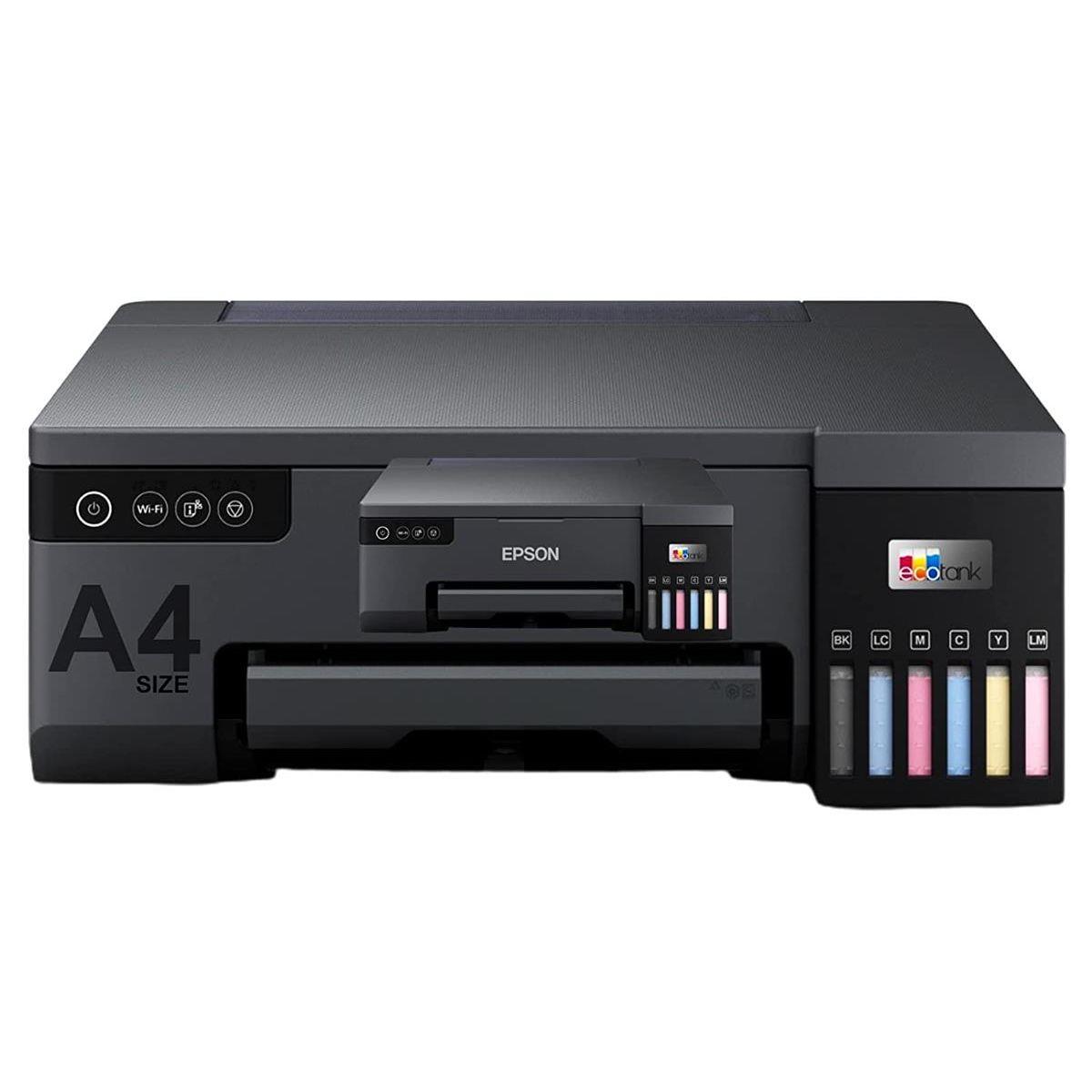
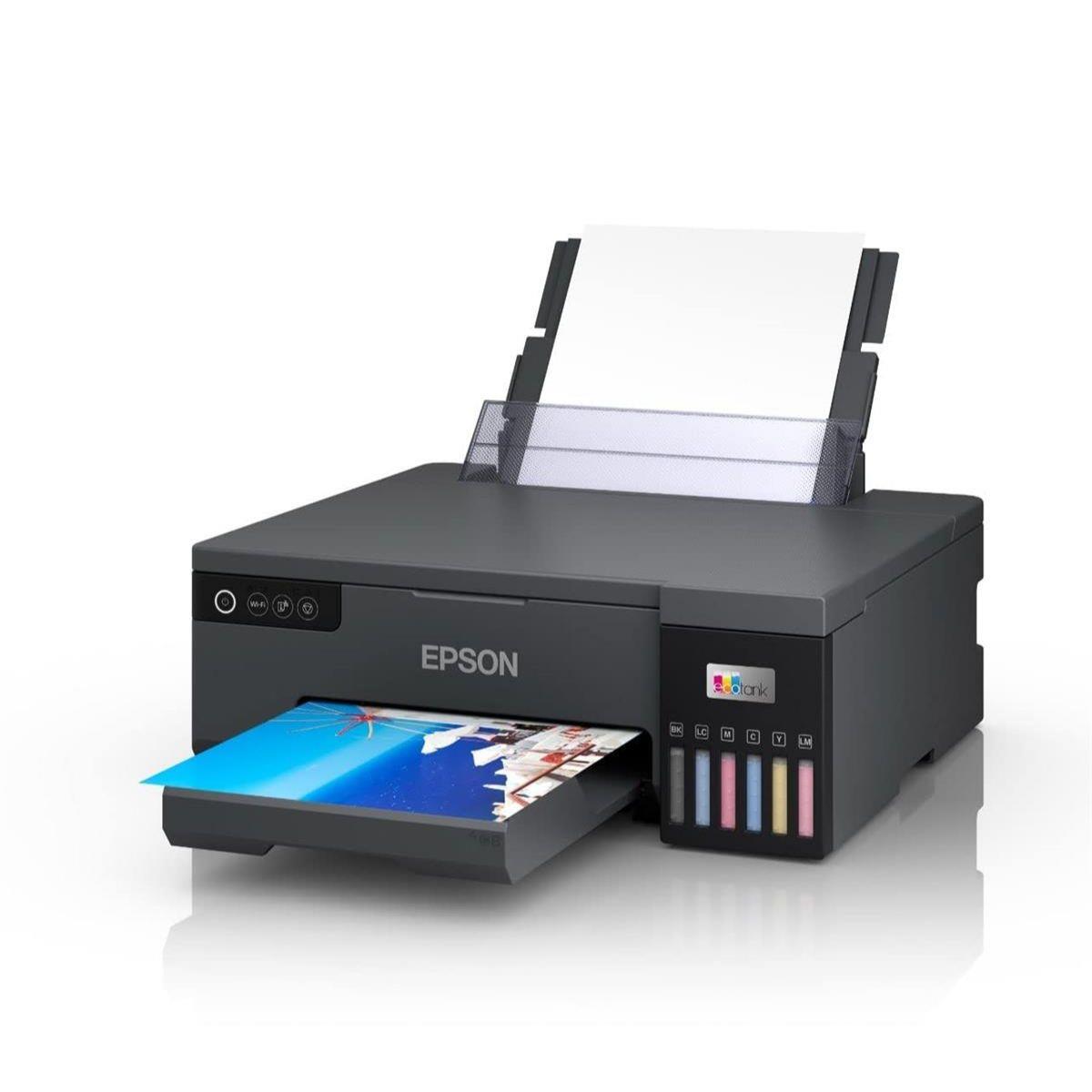
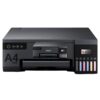
The Epson EcoTank L8050 is a colour inkjet photo printer with refillable ink tanks, built for people who print photos often. It’s a strong match for home creators, small studios, and businesses that want consistent colour without changing cartridges all the time. You get wireless printing for flexible placement, plus USB when you want a direct connection. COD available.
Why you’ll like it
Refillable ink tank design reduces the hassle of frequent cartridge changes
6-colour ink system for smoother photo tones and richer gradients
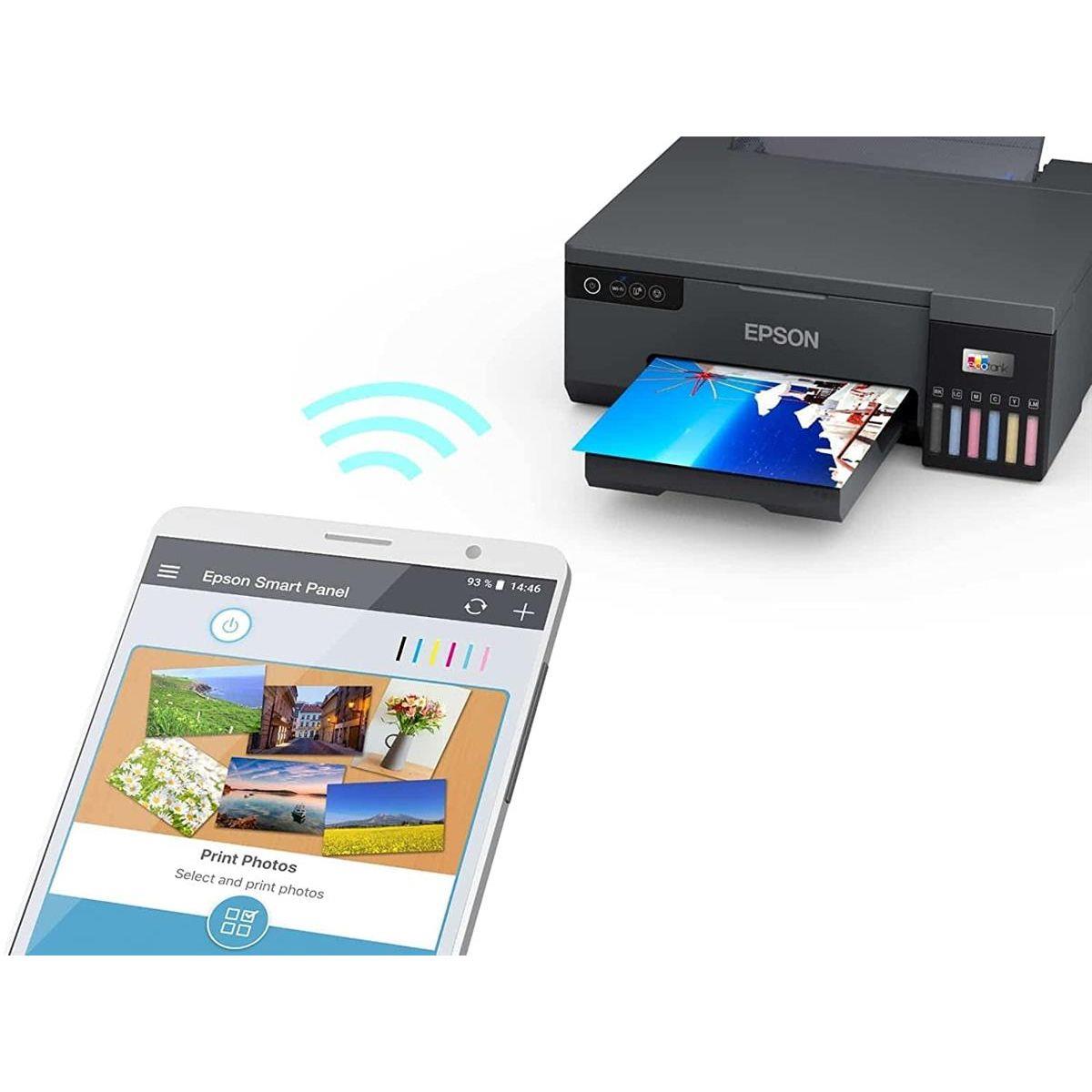
Wireless printing helps you place it where it fits, not where the cable reaches
USB option for a simple, direct setup on a single PC
Handles common sizes like A4 and photo-friendly formats for mixed work
Manual duplex lets you print double-sided when needed, without auto-flipping
Useful for studios and creators who print colour work regularly
Key details
This printer is aimed at photo printing with flexible connectivity and a refillable ink system. The main checks are space, the paper sizes you use, and whether you need automatic duplex.
Key features
| Spec | Value |
|---|---|
| Brand/series | Epson EcoTank |
| Model | L8050 |
| Device category | Photo Printer |
| Printer technology | Inkjet |
| Output type | Colour |
| Functions | |
| Ink system | Refillable ink tanks (cartridge-free) |
| Ink colours | 6-colour ink system |
| Print resolution | 5760 × 1440 dpi |
| Connectivity | USB, Wireless |
| Duplex | Manual (Automatic duplex: No) |
| Supported paper sizes | A4, A5, A6, B5, C6, Envelope, Letter |
A “photo printer” focus usually means that colour output is the priority for prints.
Inkjet is a good match for colour photos and mixed media papers.
Refillable tanks are handy if you print often and want fewer interruptions.
6-colour ink can help with smoother colour transitions in photos.
5760 × 1440 dpi is a quality comparison point buyers often check.
Wireless printing suits shared spaces and cleaner desk setups.
USB is useful when you want one stable, direct connection.
Manual duplex means you flip the pages yourself for double-sided prints.
The paper size list helps avoid surprises at checkout and on first use.
If you mostly print A4 photos, keep a stack of photo paper ready.
For envelopes and small sizes, check your print settings before the first run.
Fit & compatibility
Pick the L8050 if you want a photo printer with both wireless and USB options. Before you order, plan where it will sit, and make sure you can feed the paper sizes you actually use.
Wireless connectivity is supported, and Wi-Fi Direct is commonly listed for this model.
USB connection is also supported for direct printing from a computer.
Epson Smart Panel app is commonly listed for setup and control on supported devices.
Supported paper sizes include A4, A5, A6, B5, C6, Envelope, and Letter.
Automatic duplex is not included, so double-sided printing is manual.
Compatibility note: This is a print-only photo printer. It is not a scanner or copier. If you need a scan/copy, you’ll want an all-in-one instead.
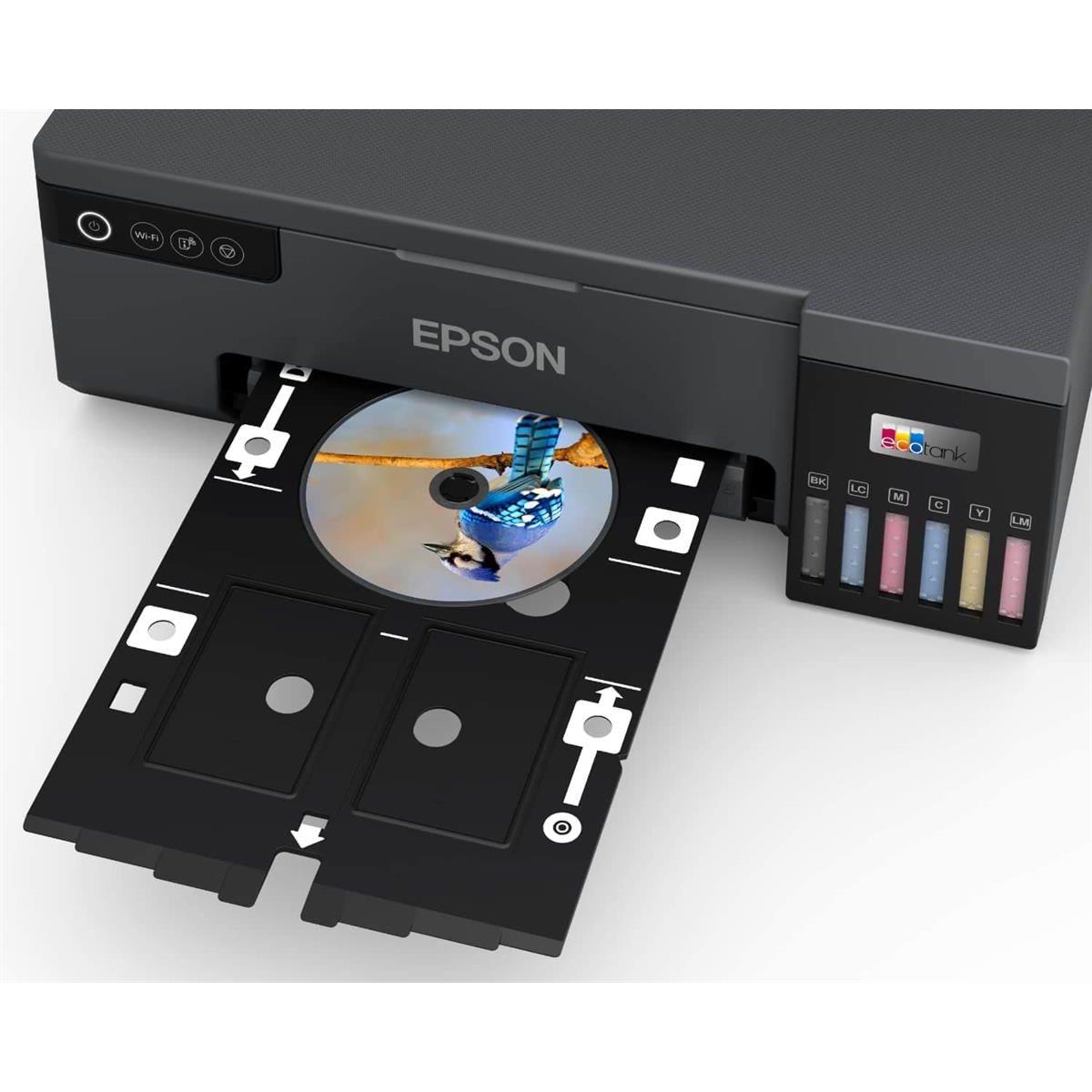
For speciality work, this model is commonly listed with CD/DVD printing and PVC ID card printing support. If you plan to use these, confirm your media type and printing method before your first job.
Quick measuring tip: Measure your shelf or desk space, then leave extra room for paper loading and output. The body size is 403 × 369 × 149 mm.
Use cases
Who it’s for
Photo studios printing A4 photos and client proofs
Home creators who print photos regularly
Small businesses needing consistent colour prints
Users who want refillable tanks instead of cartridges
Anyone who prefers wireless printing for flexible placement
Users who want a USB backup option for direct connection
Who should skip
Anyone who needs scan or copy functions
People who require automatic duplex printing
Buyers who only print occasional black text pages
Very tight workspaces that cannot fit the printer footprint
Buying from Kraod
Kraod; COD nationwide; Returns: 7 days; Same-day delivery: Lahore only; Nationwide delivery: usually 3–4 working days; “official warranty where available + store warranty support”; Prices may vary by stock/variants.
Ready to order?
If you want an ink tank photo printer for frequent colour printing, the EcoTank L8050 is a solid studio-style choice.
FAQs
Does the Epson L8050 support Wi-Fi Direct and the Epson Smart Panel app?
Wi-Fi Direct and the Epson Smart Panel app are commonly listed for the L8050. Check your device support and network setup needs before ordering.
Can it print borderless photos in A4 and 10×15 sizes?
Borderless photo printing and 10×15 photo output are commonly listed for this model. For best results, use the right photo paper and correct print settings.
Can it print on CD/DVDs or PVC ID cards?
CD/DVD printing and PVC ID card printing are commonly listed features. Confirm you have compatible printable media and follow the correct print method for these jobs.






Reviews
There are no reviews yet.